> For the complete documentation index, see [llms.txt](https://winnova.gitbook.io/documentation/llms.txt). Markdown versions of documentation pages are available by appending `.md` to page URLs; this page is available as [Markdown](https://winnova.gitbook.io/documentation/english/new-user-guide/sign-in-sign-up.md).
# Sign In / Sign Up
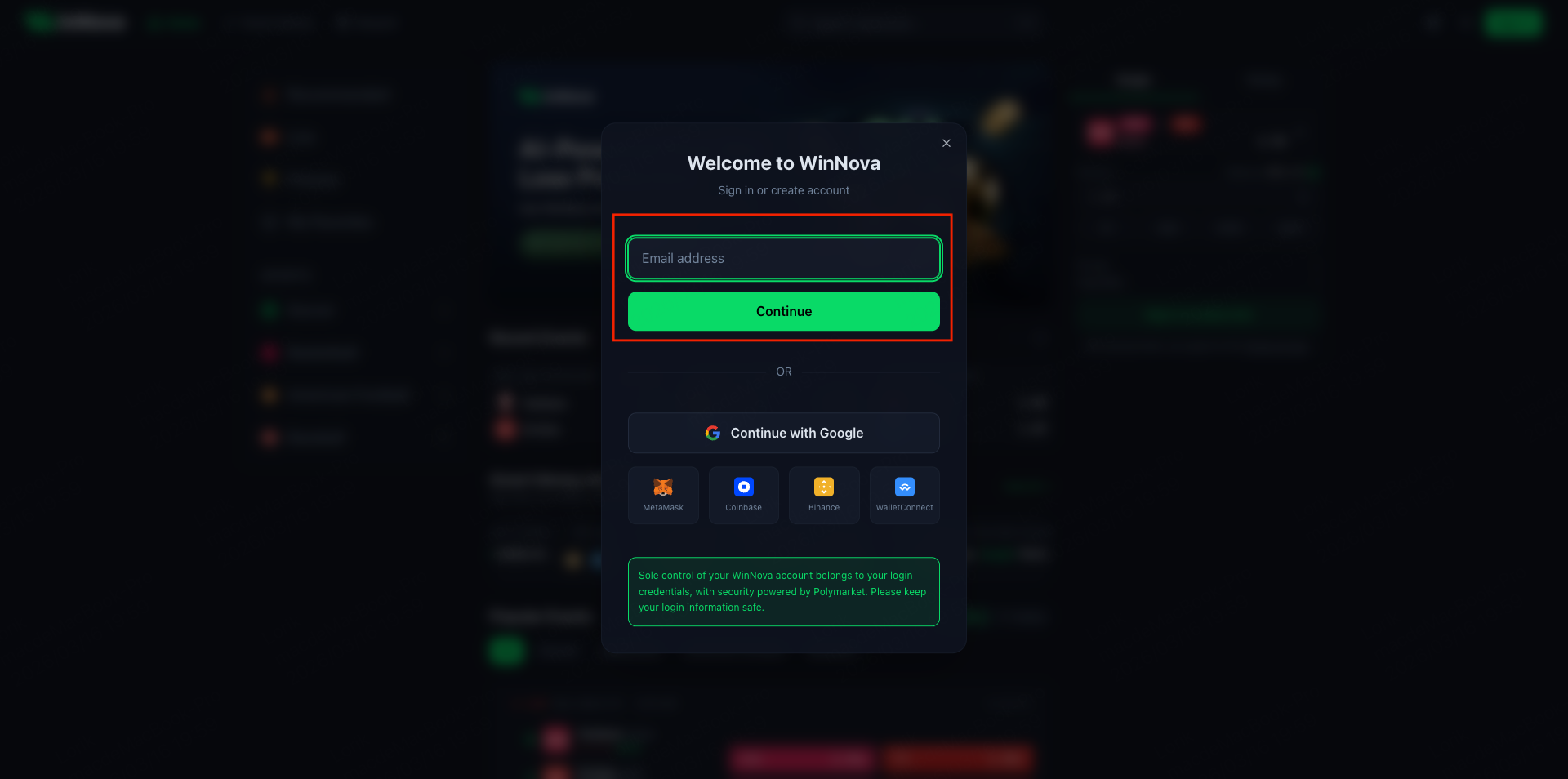
### **Register with Email**
Users who register with an email address can sign in on any device using their **email and the verification code sent to that email**.
If you cannot receive the email verification code, please try the following solutions:
① Check Your Spam or Junk Folder
The email may have been automatically classified as spam. Please check your **Spam/Junk folder**.
If you are using **Gmail**, also check whether the email has been placed in the **Promotions tab**.
After checking, please click **“Send Verification Code”** again.
② Email Delivery Delay
Due to temporary congestion on email servers, delivery may sometimes be delayed.
If you still have not received the email, please wait **60 seconds** and then click **“Send Verification Code”** again.
③ Email Filtering or Blocking
Even if you did not manually block such emails, some email providers may automatically filter or reject messages they consider suspicious.
Please allow emails from the following domain and try again:
**WinNova Domain:**\
`@winnova.pro`
④ Mailbox Storage Full
Please check your mailbox storage and ensure there is **sufficient available space** to receive new emails.
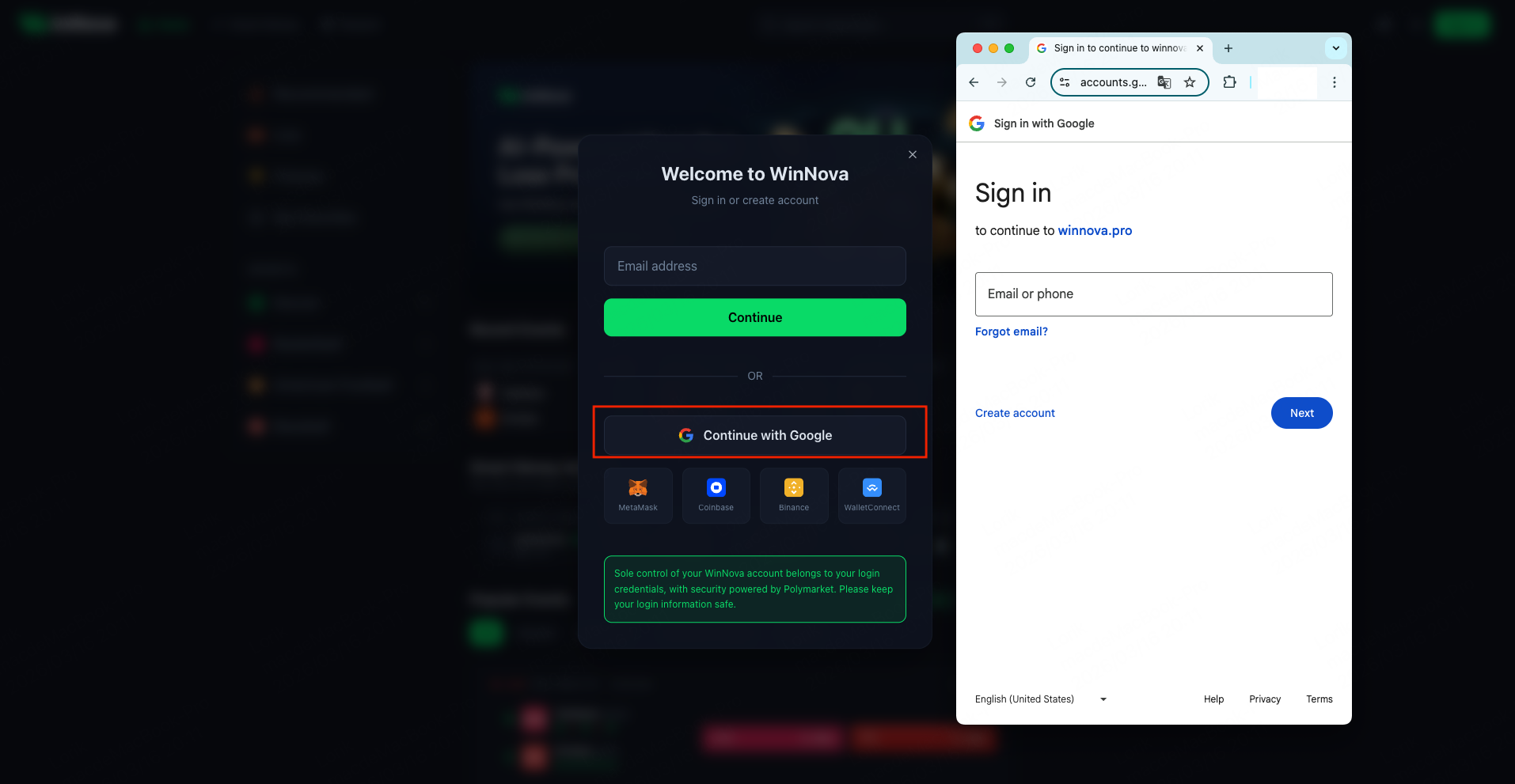
### **Sign Up with Google**
WinNova also allows you to **sign up and log in directly using your Google account**. Simply choose the Google sign-in option to quickly access the platform.
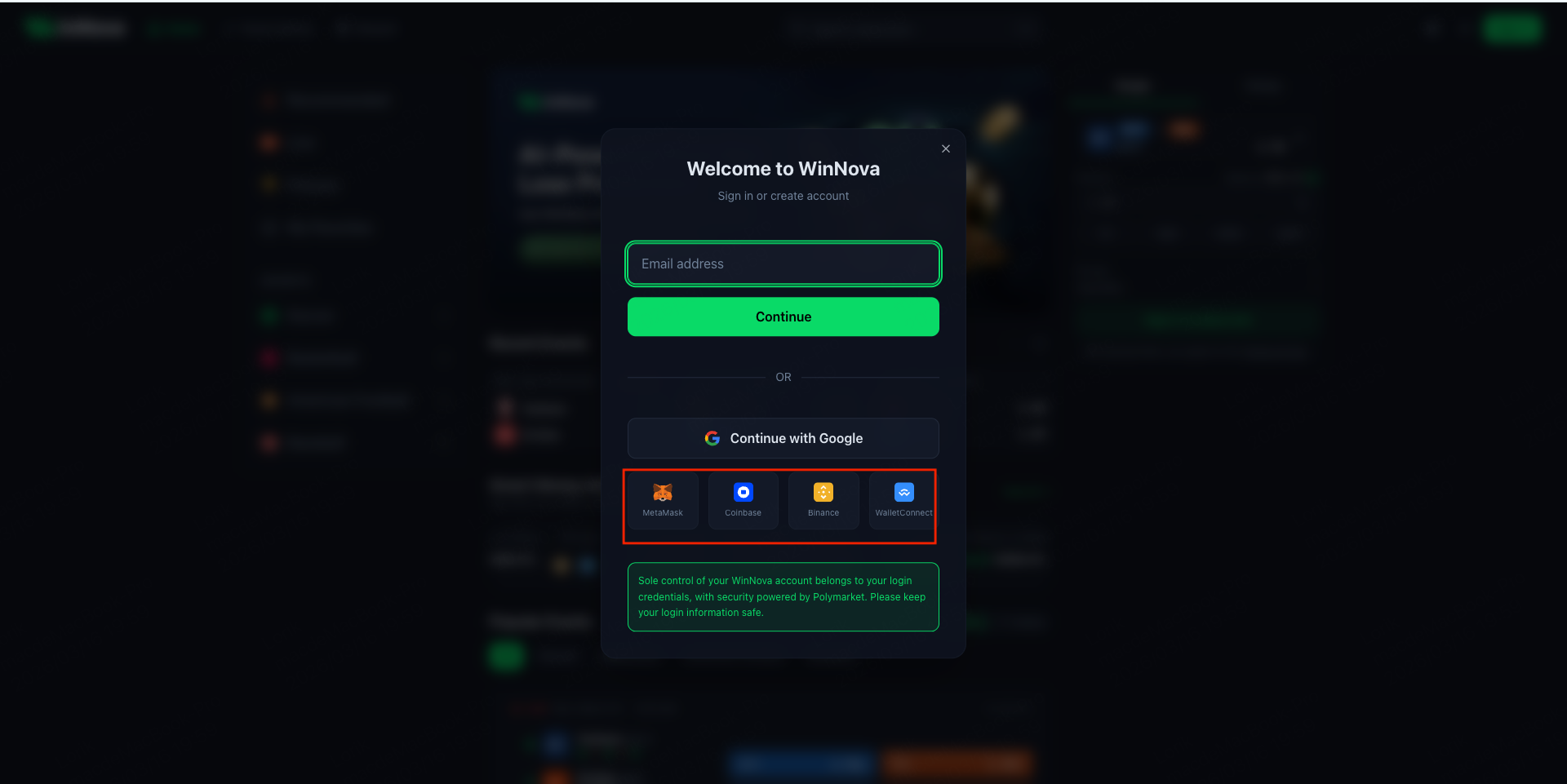
### **Sign Up with a Wallet**
WinNova supports registration and login using **MetaMask, Coinbase Wallet, and Binance Wallet**.\
If you use another wallet, you can also **sign up or log in via WalletConnect**.